After two years of studying computer science & dealing with technologies, I discovered I was getting to forget some of them. In my opinion, Computer Science (or any other science) is like an ocean, and obviously, It’s impossible to remember everything.
“Not remembering things” got very annoying, and I had to do something about it. It happened a lot that I searched for the same thing multiple times. One of my first ideas was to write down some important notes. I knew that it would not work because of my past experience of taking notes while learning about Android. Although writing those notes was very useful and helped me through many interviews,
While I was searching for some practical applications to solve my problem, I figured out Notion. In my opinion, At the moment (Aug 26, 2022), Notion is the best online platform for students to take notes and create pages. I don’t know whether a company could use this application as their documentation platform or not, but based on my individual experience with this application, I should say it’s effective for a student like me. With Notion
I could continue taking notes in its interactive environment and have them on every device.
I could create, delete, or modify as many pages as you want.
It was possible to search through all pages.
I could create references for related pages on each page.
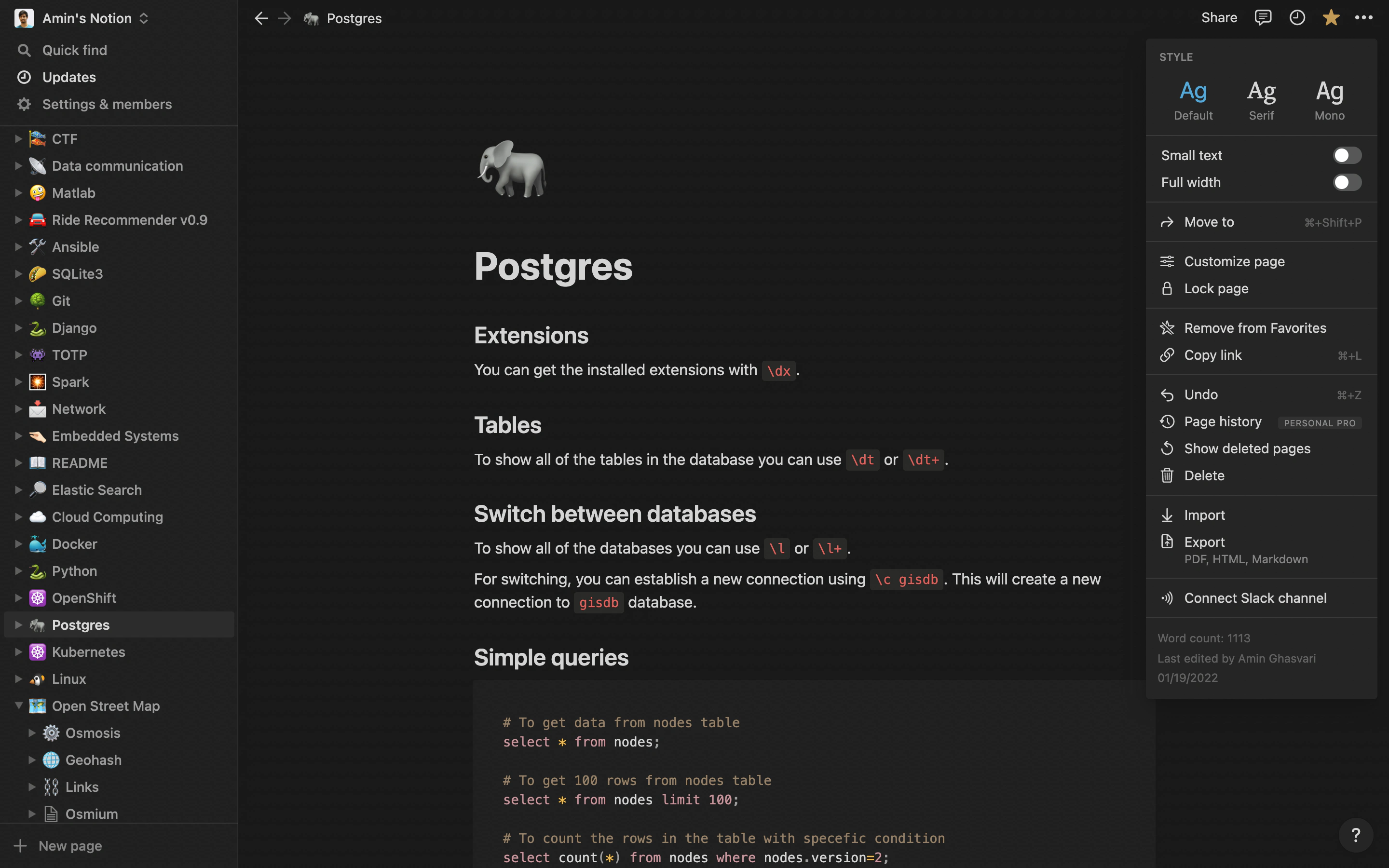
Notion environment
There are many features in Notion. It’s on you to go and test them out!
The Notion was good, and I was using it every day in my life, But some issues were still annoying.
The loading time for searching a word
The loading time for switching to another page
Again, I should mention that “Notion is good”, and I still use it. I shouldn’t have expected such a performance from a non-native multi-platform application like Notion.
I’m a greedy person, so I started to find other alternatives. I found two open-source applications, Obsidian and MarkText, both written in Java Script. I began with MarkText because of its interactive environment, but it turned out to be buggy in some scenarios. Then, I started using The Obsidian with its fantasy graph view, a lovely useless feature 😅.
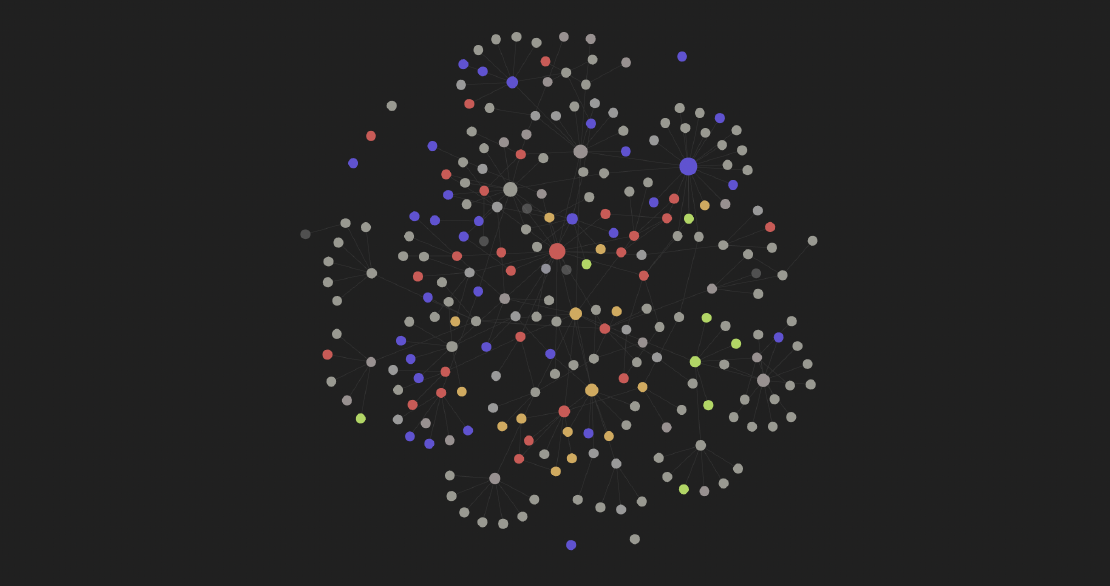
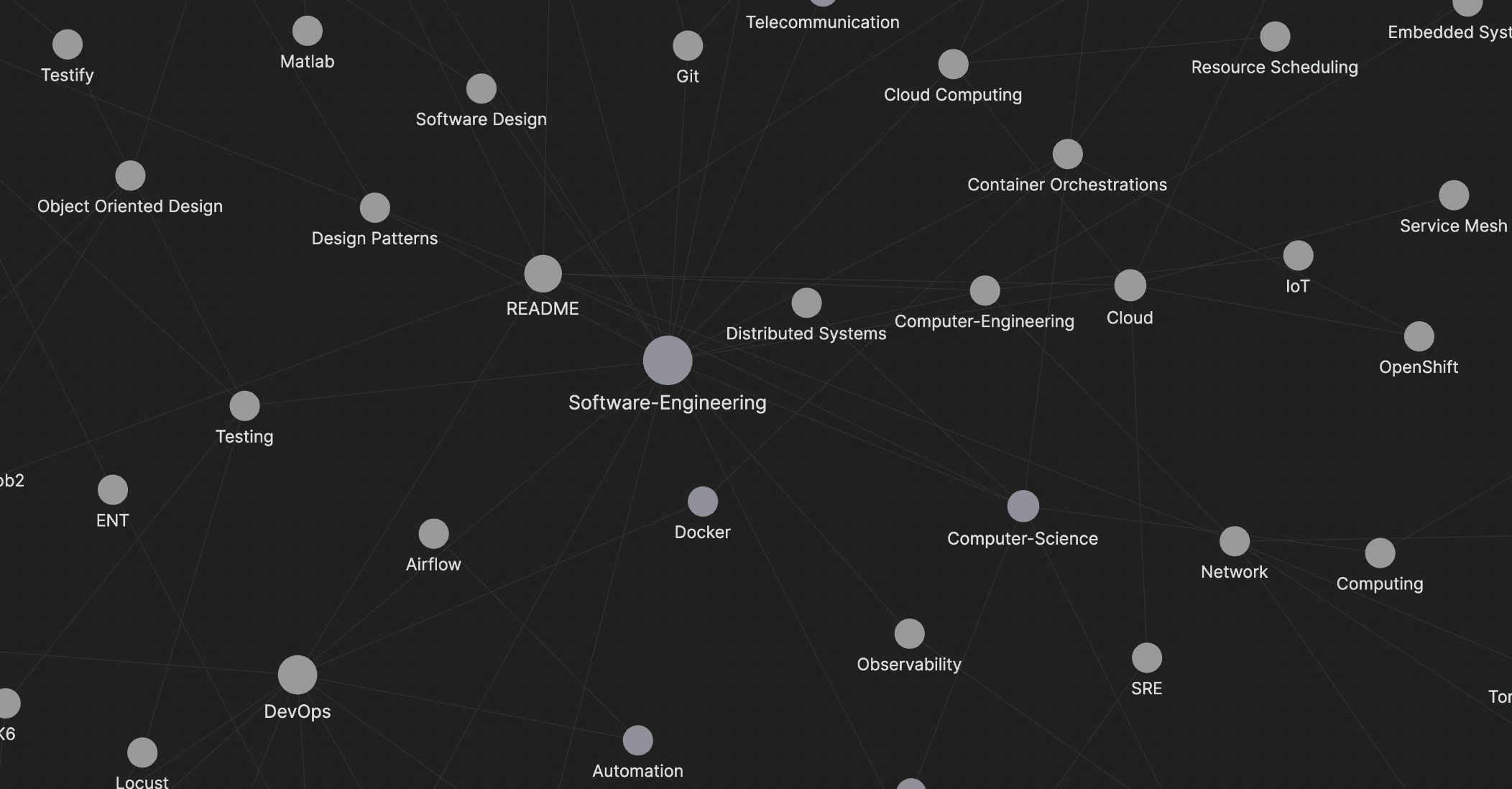
A view of graph in Obsidian
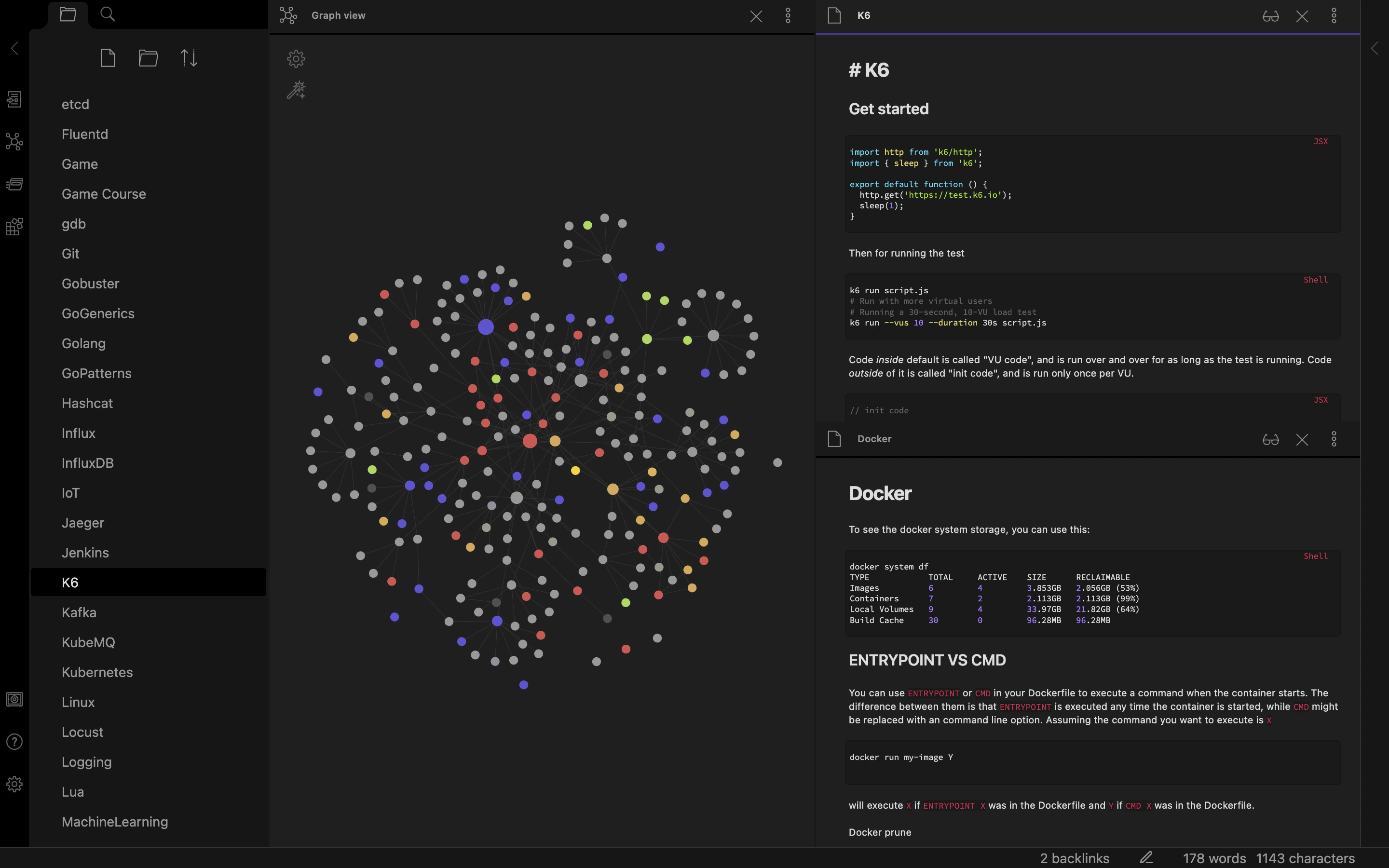
But seriously, It has a vertical/horizontal splitting feature which is very practical. Even though Obsidian was written in Java Script, It satisfied my expectations, and I felt like interacting with a native application.
Obsidian environment
It’s been a while since I didn’t search for new alternatives. The reason is that Obsidian works for me. I might write about other options if something got annoying about the Obsidian 🥲.
Since May 17, 2022, I’ve been working on the MyNotes repository, “My Second Brain”, which contains all my notes and documentations. This repository motivates me because I can see how much I’ve learned during that time. It helps me not to search again for the topic I’ve learned and have taken notes on once.
Show All Databases show dbs Show Current Database db Create Or Switch Database use acme Drop db.dropDatabase() Create Collection db.createCollection('posts') Show Collections show collections Insert Row db.

 Amin Ghasvari